How to Create Blank PDF on Mac
PDFelement for Mac supports creation of a blank document.
- Click "File" > "New" > "Blank Document".
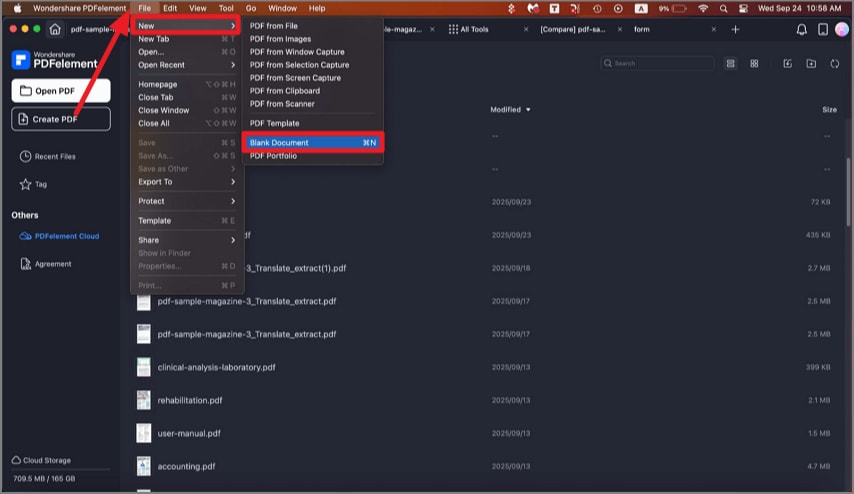
A screenshot showing the option to create a blank PDF.
- In the pop-up window, enter the name of the blank PDF file and set its location. Click "Save", and a blank document is created successfully.
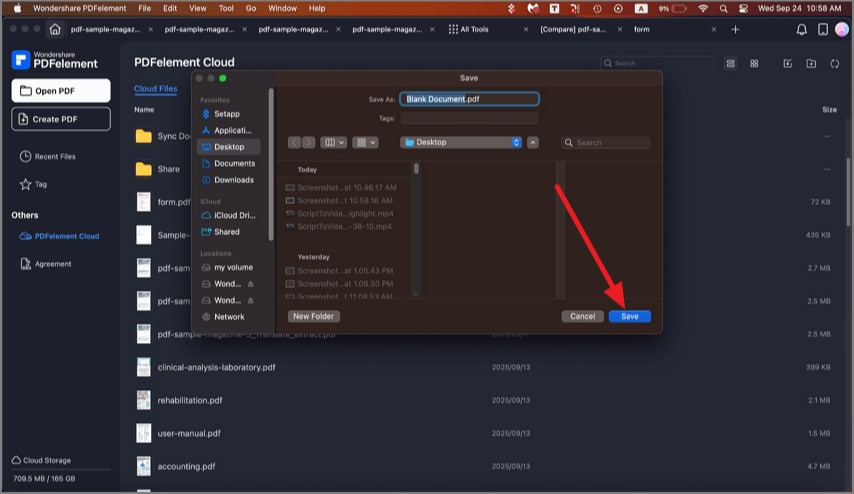
A screenshot of the save dialog showing a PDF being saved.
- After creation, the blank PDF will open automatically.
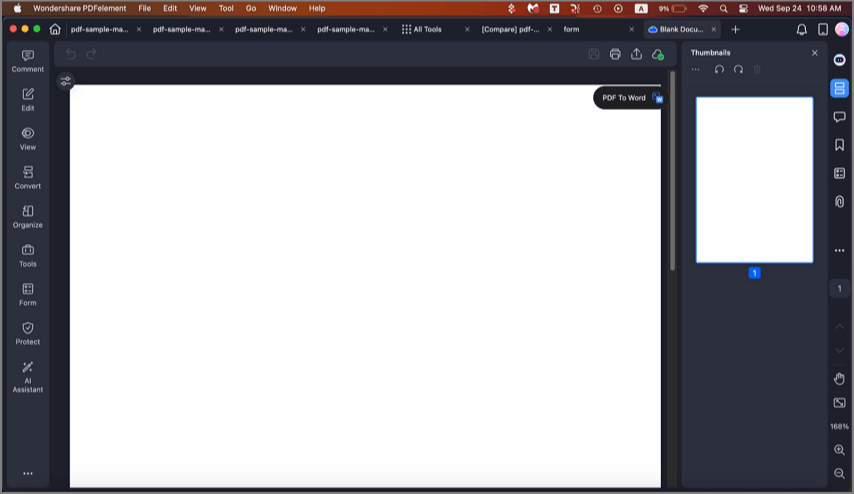
A screenshot of a PDF file opened in the application.
- You can easily edit the blank PDF like Word.
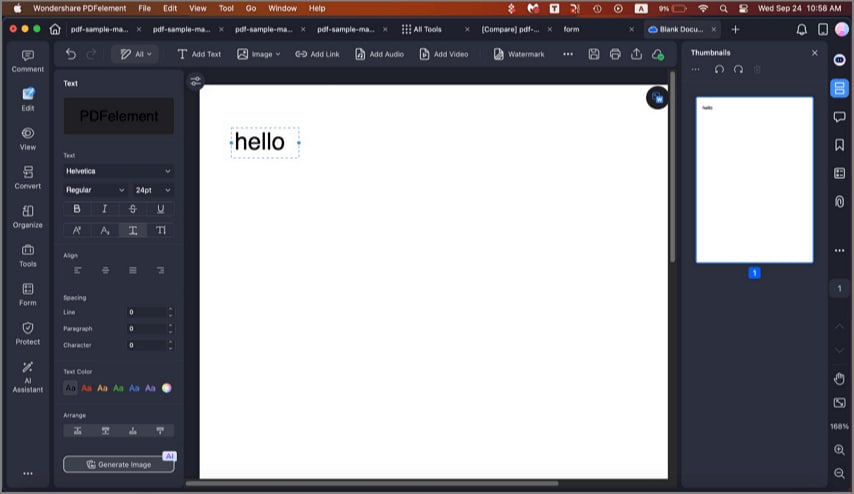
A screenshot of the application interface in edit mode.