

Show Tab Number on Mac
PDFelement for Mac let you set the tab numbers of the form field you created. By default, the tab number is the order of creating these fields and buttons. If you want to customize the tab number, follow the steps below.
Go to Form and unfold the "More" menu. Then click "Show Tab Numbers", you'll be able to see the default field order when you use the Tab key to enter.
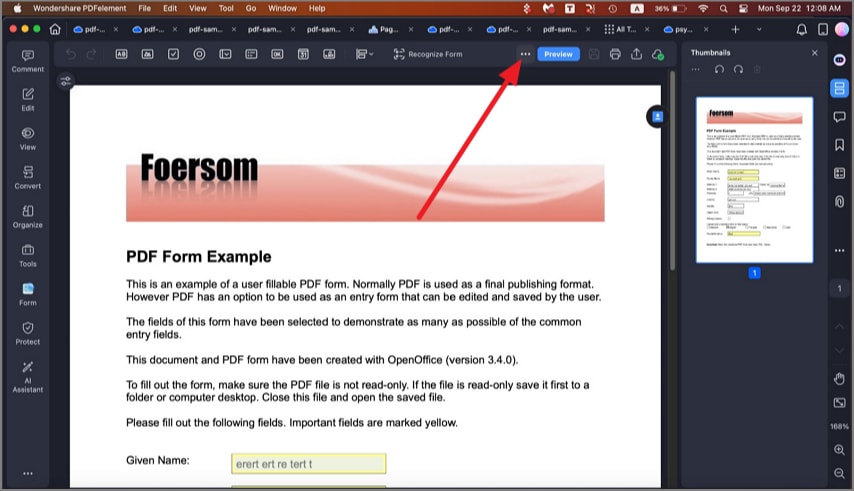
A screenshot of a form displaying tab order numbers.
Then you can drag and drop the field or button to re-organize fields and buttons according to the tab order.
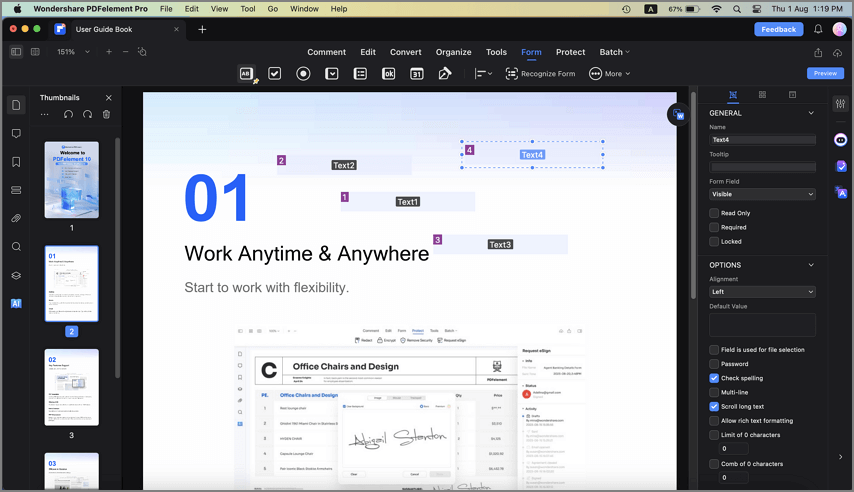
A screenshot highlighting the tab numbers mode option.
Once you are done, click Preview to hide the tab number. The tab numbers will decide the order of data when you try to extract data from the PDF form.
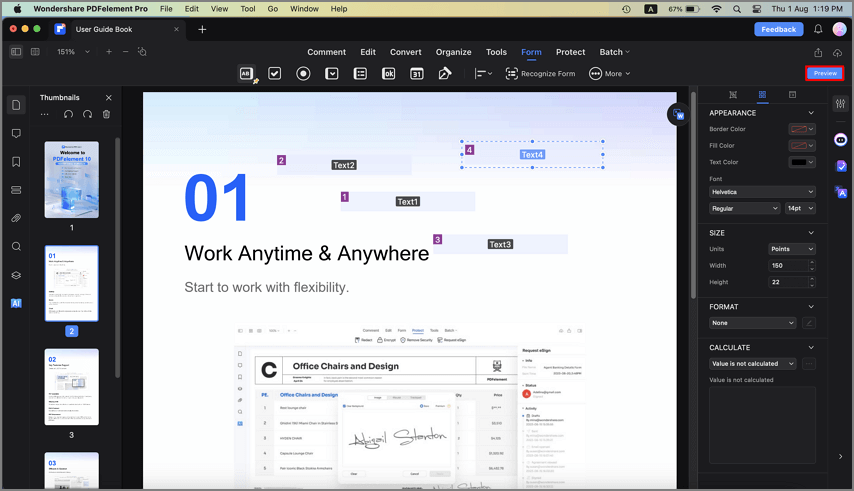
A screenshot showing tab numbers hidden.