

A website signature allows users to sign documents online without printing or scanning paper files. By using a signature website, individuals and businesses can create legally binding electronic signatures directly from a browser, making document workflows faster and more efficient.
In this article, we review the top 10 signature websites in 2026 and explain how these web signature platforms help users sign PDF documents securely, legally, and conveniently.
In this article
What Is a Website Signature?
A website signature, also known as a web-based electronic signature, is a digital method of signing documents online. Instead of using pen and paper, users upload documents to a signature website and apply an electronic signature in just a few clicks. Most modern signature websites comply with major eSignature regulations, making them suitable for contracts, agreements, and business documents.
Why Use a Signature Website?
Signature websites eliminate manual paperwork and allow documents to be signed from anywhere. They are especially useful for remote work, cross-border collaboration, and teams that need faster approval processes without sacrificing security.


 G2 Rating: 4.5/5 |
 100% Secure
10 Best Signature Websites in 2026
1. PDFelement
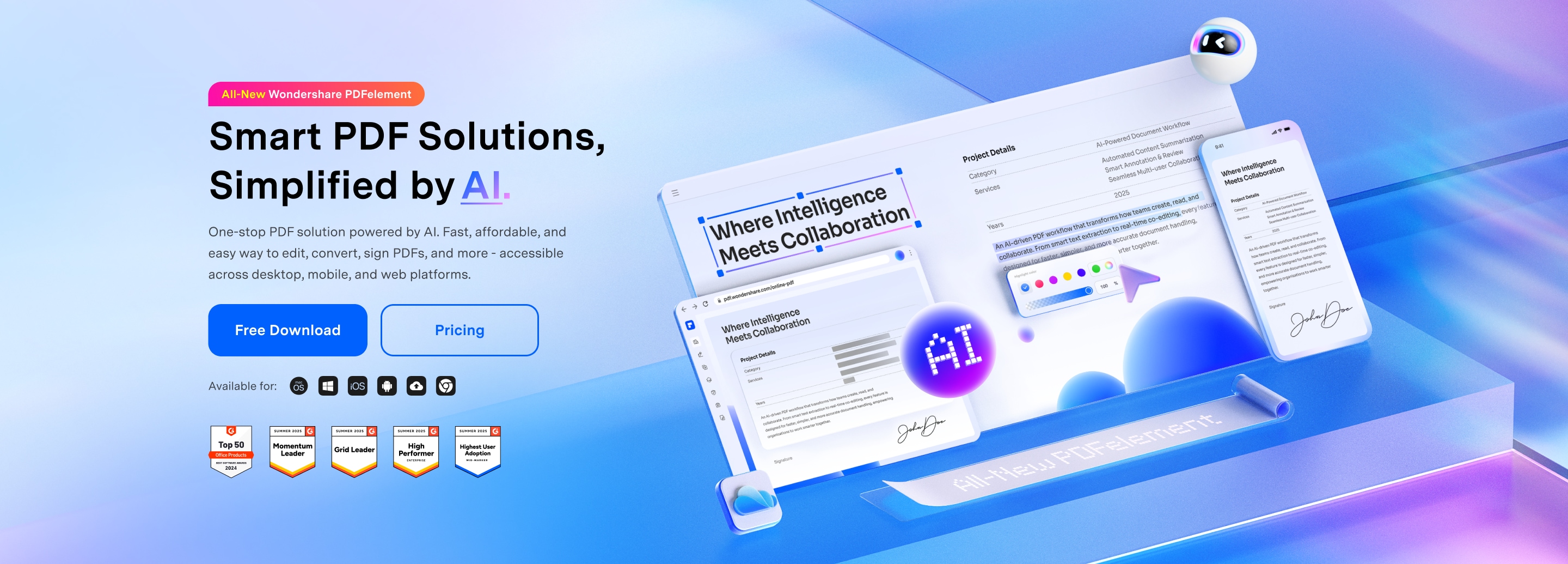
PDFelement combines website signature features with advanced PDF editing tools. Users can sign documents online while also editing, converting, protecting, and organizing PDF files, making it ideal for those who want an all-in-one PDF solution.
Beyond signing, PDFelement helps teams prepare documents before sending them out for approval. Users can add form fields, adjust layouts, convert files into PDFs, and secure documents with passwords, all in one place. This reduces workflow friction and speeds up document turnaround.
For businesses handling contracts, onboarding forms, or internal approvals, PDFelement offers a practical balance between PDF productivity and online signing.
Best for: Small to medium-sized businesses, professionals, and teams that need both online signing and full PDF editing in a single workflow.
Pros
- All-in-one solution for editing, preparing, and signing PDFs.
- Reduces the need to switch between multiple tools.
- Useful for document-heavy workflows.
G2 Rating: 4.5/5 |100% Secure
Cons
- Users who only need basic signatures may find it more than necessary.
- Enterprise-only compliance tools may be limited compared to signature-only platforms.
2. Adobe Acrobat Sign
Adobe Acrobat Sign is a widely recognized signature website offering secure and legally accepted digital signatures. It integrates seamlessly with other Adobe products and enterprise systems.
Best for: Large enterprises already using Adobe products and requiring standardized compliance.
Pros
- Strong enterprise trust and global compliance support.
- Works well within the Adobe ecosystem.
Cons
- Pricing may be high for small teams.
- Interface can feel heavy for simple signing tasks.
3. DocuSign
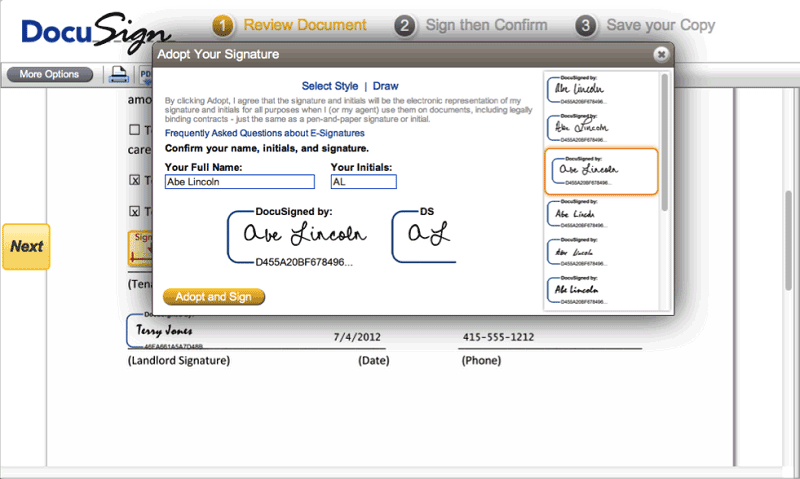
DocuSign is one of the most popular eSignature platforms worldwide, known for complex workflows and enterprise scalability.
Best for: Enterprises with high-volume or multi-step signing workflows.
Pros
- Advanced signer routing and workflow management.
- Strong tracking and audit trails.
Cons
- May be too complex for casual use.
- Setup can require administrative effort.
4. Dropbox Sign (HelloSign)
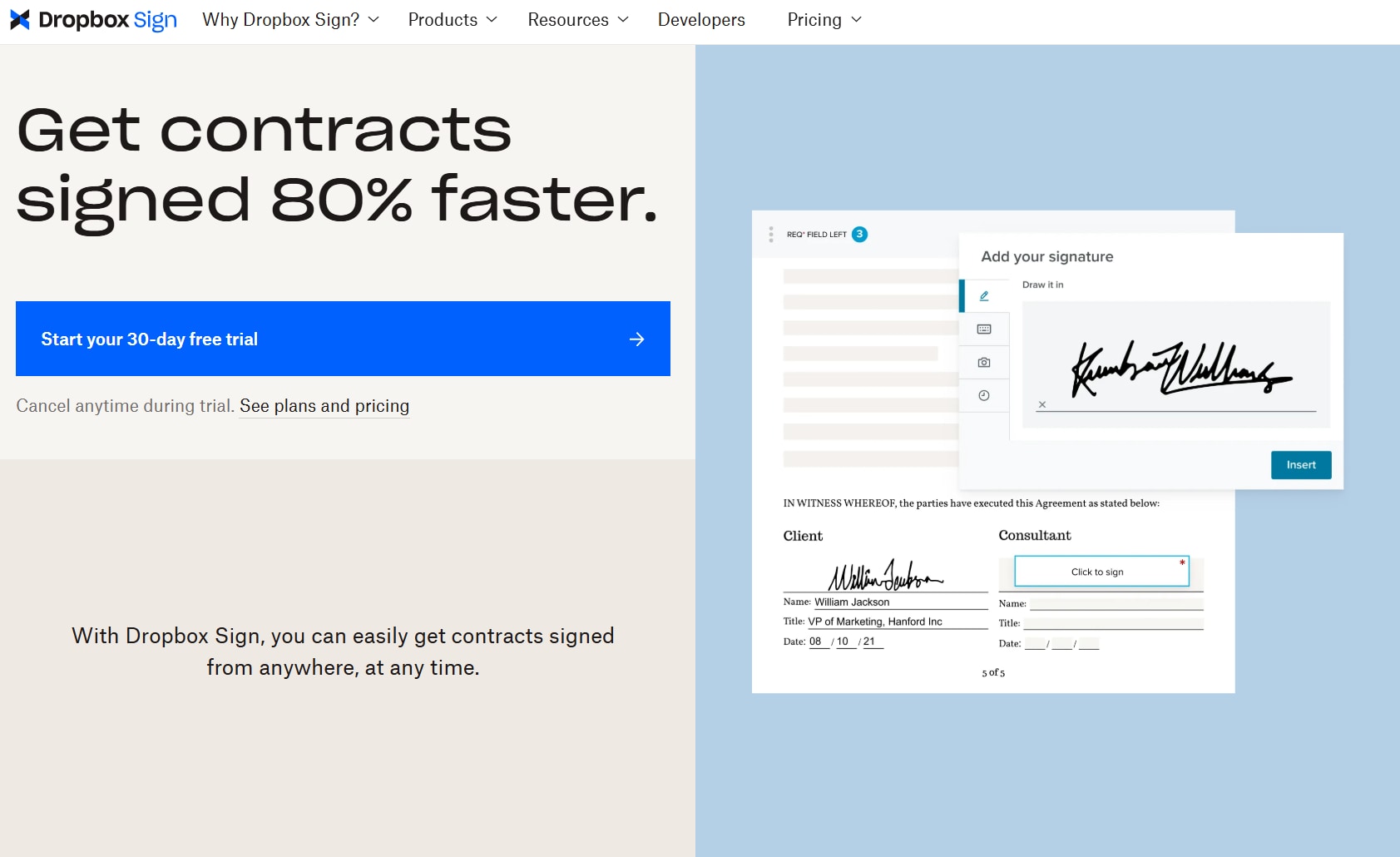
Dropbox Sign focuses on simplicity and fast online signing with minimal setup.
Best for: Small teams and individuals who want quick and simple signatures.
Pros
- Easy to use with a clean interface.
- Good cloud storage integration.
Cons
- Limited advanced workflow features.
- Not designed for heavy document preparation.
5. eSignLive
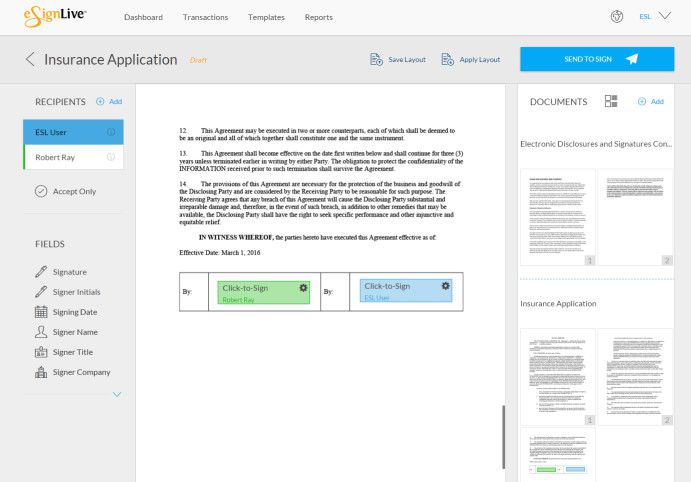
eSignLive (now known as OneSpan Sign) emphasizes compliance and identity verification for regulated industries.
Best for: Regulated industries requiring strict signer verification.
Pros
- Strong compliance and authentication options.
- Designed for formal signing scenarios.
Cons
- Less flexible for casual signing.
- Interface may feel rigid.
6. GoPaperless
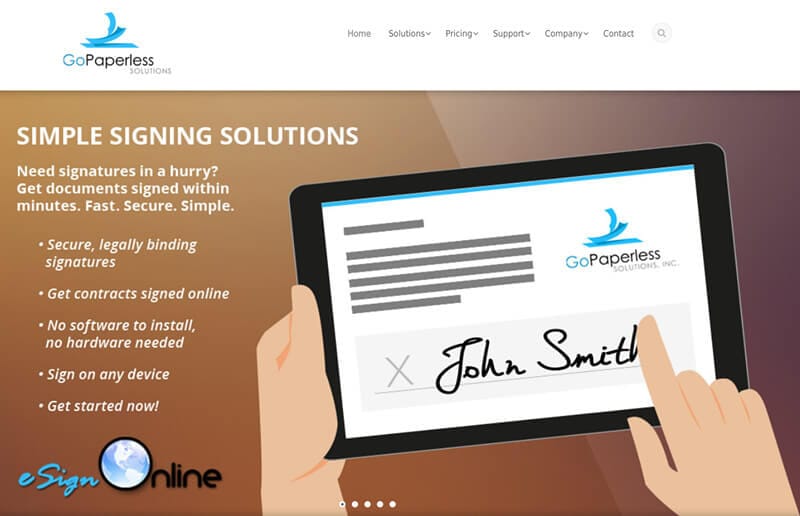
GoPaperless offers secure web-based signing with multi-signer support.
Best for: Teams needing simple and secure signature collection.
Pros
- Focus on secure signing.
- Straightforward feature set.
Cons
- Limited automation and integrations.
7. RPost
RPost specializes in email-based electronic signatures with delivery tracking.
Best for: Legal and compliance teams relying on email communication.
Pros
- Strong email delivery and proof tracking.
Cons
- Email-centric approach may not suit app-first workflows.
8. AssureSign
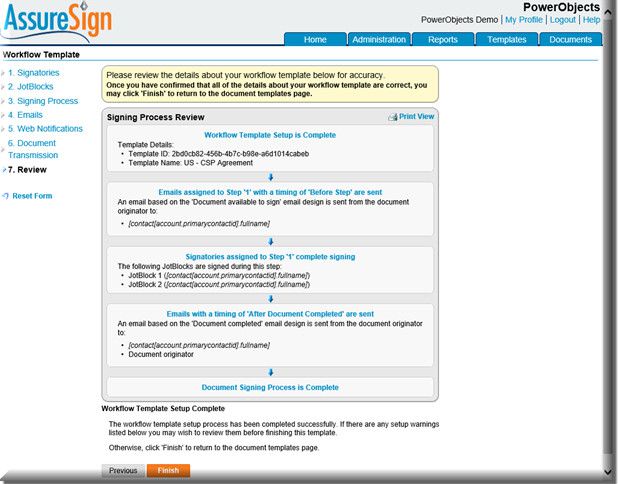
AssureSign delivers compliant digital signatures for structured business environments.
Best for: Organizations needing integrated and compliant signing systems.
Pros
- Designed for business process integration.
Cons
- More complex than lightweight tools.
9. Cosign
Cosign supports multiple signature types across web and mobile platforms.
Best for: Mobile professionals and flexible signing scenarios.
Pros
- Good mobile accessibility.
Cons
- Limited PDF editing capabilities.
10. Sertifi
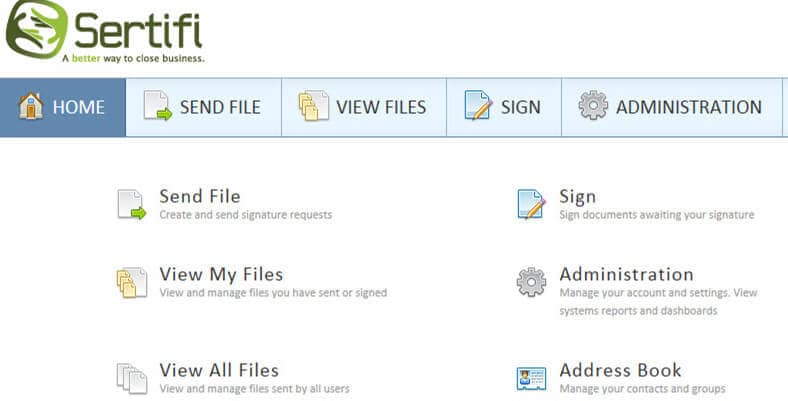
Sertifi provides signature tools with tracking and approval visibility.
Best for: Teams needing visibility into approval workflows.
Pros
- Clear tracking and management features.
Cons
- May be unnecessary for basic signing needs.
Conclusion
Using a reliable signature website helps users sign PDF documents securely and efficiently. When choosing a platform, consider how often you sign documents, how complex your workflows are, and whether you also need PDF editing features alongside online signatures.




