Do the printed documents in your office give you headaches? You have to sort through piles of them to find the specific one you need. Digitizing those files can solve your problems. Searching for a file using its name is much easier and faster. You need to scan them to do that. And unlike in the past, you now don't need scanners for that. All you need is your phone and one of the online PDF scanners.
These are apps that let you use your phone's camera to turn your printed files into digital copies. The best thing is that they provide more capabilities besides that. Also, they are easy to use. In this article, we'll introduce 4 PDF scanners worth checking out.
Here are 4 PDF scanners that you should check out.
1.Wondershare PDFelement for iOS



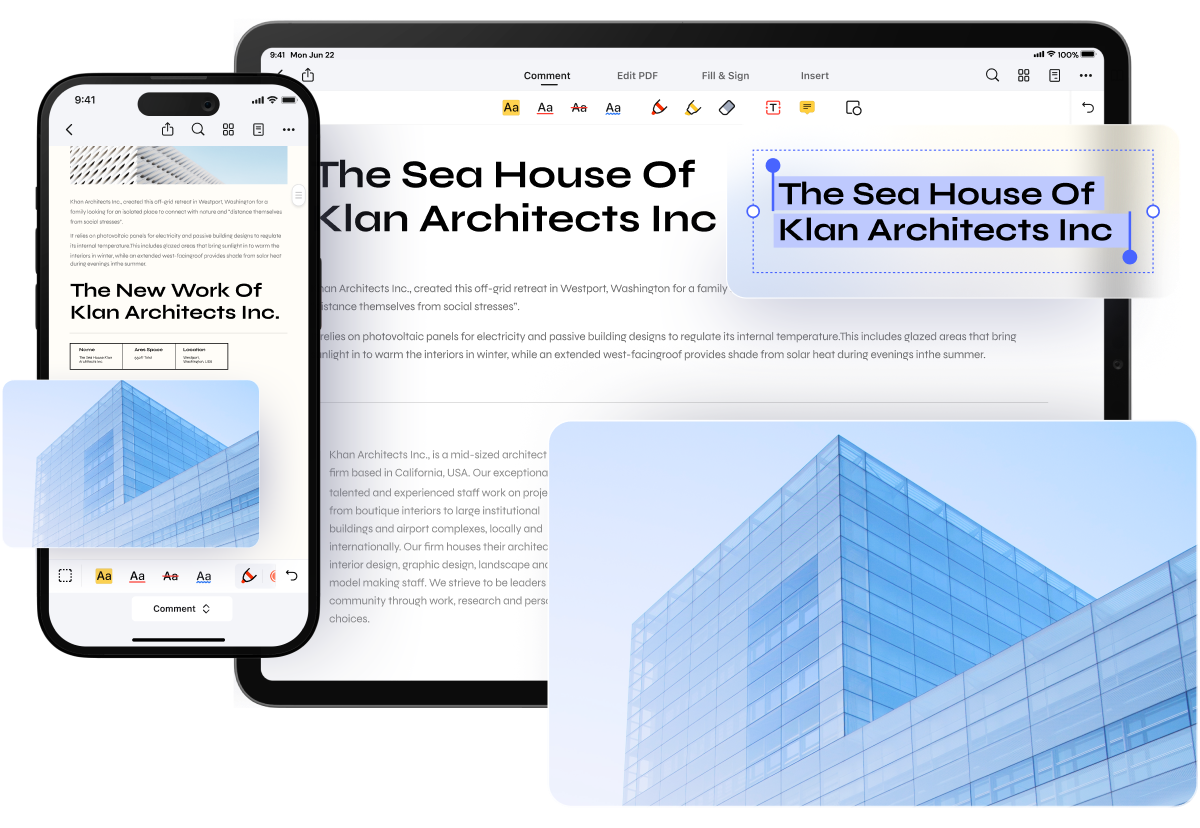
Did you know that the ever-reliable desktop PDF solution Wondershare PDFelement is also available on mobile? And it is just as good. Wondershare PDFelement for iOS is a must-try scanner. The best thing about it is that PDFelement also provides you with many document editing, annotating, and sharing features.
Pros
The scanner is built into a PDF editor.
It is super easy to use.
Wondershare PDFelement for iOS also offers an OCR feature.
Cons
Not all features are available for free.
The scanner feature is not available on PDFelement for Android.
How To Scan with Wondershare PDFelement for iOS
Step 1 Install, launch, and set up Wondershare PDFelement for iOS.
Step 2 Tap the Plus icon on the bottom right of the PDFelement screen.
Step 3 Select Scan.
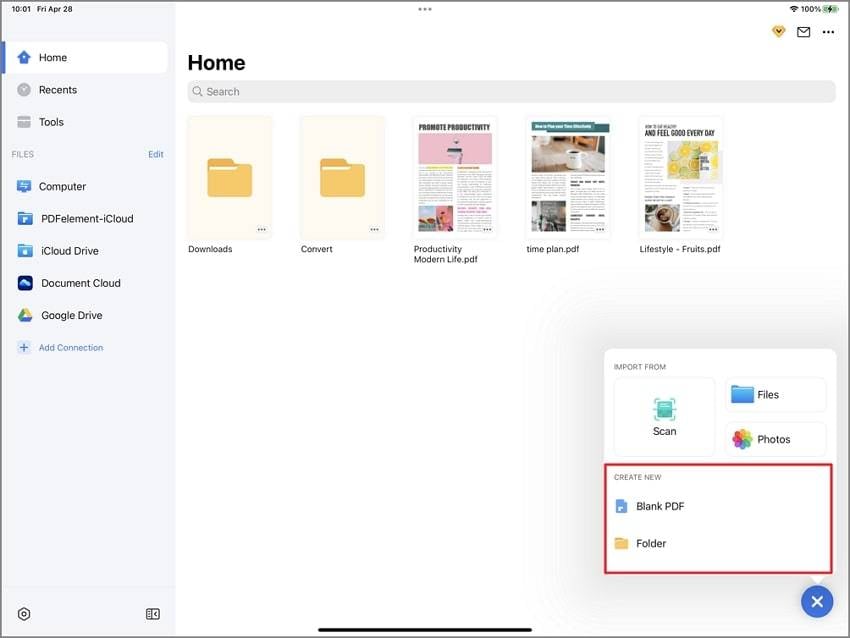
Step 4 Your phone's camera will open. Take a picture of the printed file to scan it.
2.OnlinePhotoScanner
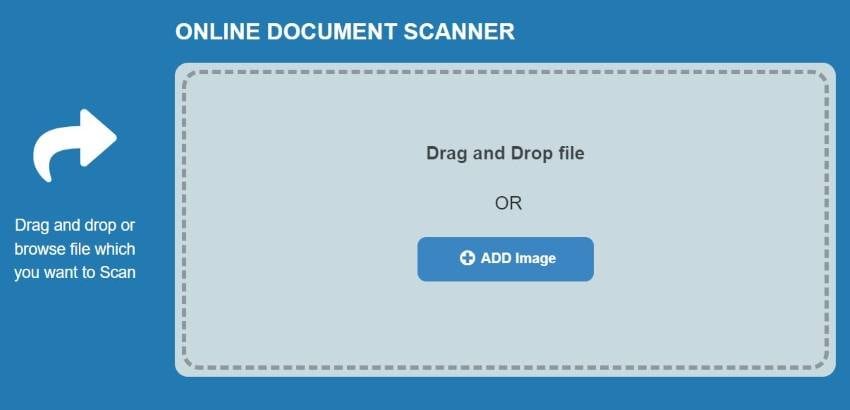
OnlinePhotoScanner is not an installable app but a web app. Also, it does not let you use your camera to scan directly. You first take the picture with your camera. Then, you upload the picture to the web app to edit it and convert it into PDF.
OnlinePhotoScanner is admittedly not as convenient to use as installable apps. However, it is 100% free. Thus, it is worth checking this online PDF scanner.
Pros
OnlinePhotoScanner is a free tool.
It offers different filters.
Because OnlinePhotoScanner is a web app, you can access it from any device.
Cons
You have to take the picture with your camera first before using this tool.
There are no page rearrangement tools.
3.OnlineCamScanner
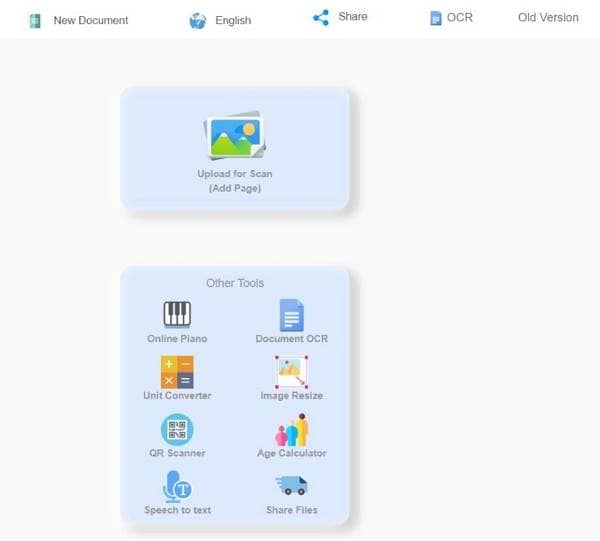
OnlineCamScanner is another web app. Like the previous tool, you can't open your camera using this scanner. Again, you need to take pictures of the printed files first. What's so good about it is it offers so many editing options. You can adjust the brightness or the color balance and rotate the scanned pages. Furthermore, OnlineCamScanned offers an OCR function that makes the scanned document editable.
Pros
OnlineCamScanner has an OCR function.
It is a free tool.
It is an online tool, meaning it is available on any device.
OnlineCamScanner offers many editing features.
Cons
You can't access your camera using this tool.
4.PDF Scanner App
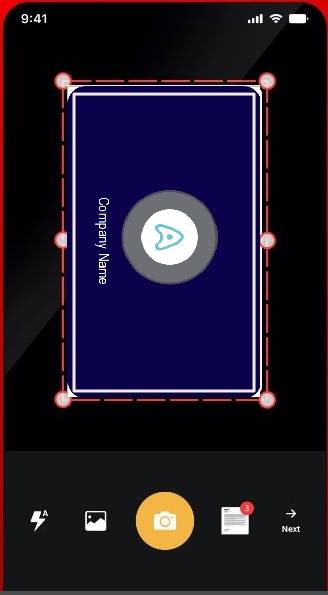
PDF Scanner App is what the name says it is. The app is available for free on Android. The best thing about this scanner is it also works offline. So indeed, you can use it anytime, anywhere. PDF Scanner App is also lightweight. It will not take much storage space, which is a constant worry when talking about mobile apps.
Pros
It is fast and super easy to use.
PDF Scanner App works even when offline.
It offers many editing and scanning features.
Cons
Many of the features are locked behind a paywall.
There are ads in the free version.
Conclusion
Online PDF Scanners are amazing tools. They allow you to convert your printed documents into PDFs. That's great because digitizing these documents offer many benefits. For instance, it lets you find documents more easily.
The options above cover both mobile and browser-based scanning workflows. Wondershare PDFelement for iOS combines scanning with PDF editing and OCR, while OnlinePhotoScanner, OnlineCamScanner, and PDF Scanner App provide alternative ways to digitize printed documents depending on your device and workflow.
![The Definitive Guide to OCR PDF to Text Mac [2026]](https://images.wondershare.com/pdfelement/images2026/pdf-like-0.png)